



I’m calling them ‘Tolerance Fences’ because they kind of look like fences :).
These shapes have an exact fit in digital form, so you can cut them out and try to fit them together. They’re made to be used in conjunction with Lightburn’s kerf settings. If you cut them out and they fit together too loosely, INCREASE your kerf in Lightburn settings. If they fit together too tightly, DECREASE your kerf.
A good way that I remember this is “Lower equals Looser”.
Use the file that best matches your material thickness. There’s also a Fusion 360 File included if you’d like to create your own thickness. Just change the “thickness” parameter to your material’s exact thickness, then export your sketch for laser-cutting.

 Sharing without ATTRIBUTION
 Remixing Allowed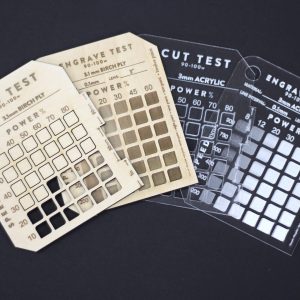





Reviews
There are no reviews yet.